10 Best Ad Analysis Tools in 2026 (For Your Ads and Your Competitors')
Compare 10 ad analysis tools for creative analytics and competitor research, including pricing, platform coverage, limitations and the best fit for your team.
On this page
Ad analysis tools do one of two jobs. Some analyze your own ads after they launch, so you know which creative is winning. Others analyze your competitors' ads, so you know what's working in your market before you spend.
Most "best ad analysis software" lists mix those two jobs together. That's how people end up paying $750 a month for creative analytics when they really wanted competitor ad analysis, or the other way around.
So I split this guide in two. First, the creative analytics tools that read your ad account. Then, the competitor ad analysis tools that read the market. Every price below was checked on the vendor's own site on October 7, 2026 (PT).
An ad analysis tool is software that helps you understand why ads perform the way they do. That's the short version.
The longer version is that there are two very different kinds:
| Your own ads (creative analytics) | Competitor ads (ad research) | |
|---|---|---|
| The question | Which of my ads are working, and why? | What's working for other brands in my niche? |
| Where the data comes from | Your ad accounts (Meta, TikTok, Google, LinkedIn) | Public ads from ad libraries and crawlers |
| What you see | Spend, ROAS, CPA, hook rate, CTR by creative | Ads, run time, landing pages, offers |
| When you use it | After launch | Before launch, and between tests |
| Examples | Motion, Superads, Supermetrics | AdSpy, BigSpy, SpyFu, Spellbind |
| Typical starting price | $55 to $750 a month | Free to $149 a month |
A few tools try to do both. Atria and Foreplay are the main ones on this list, and I'll call out where each is stronger.
Here's the honest part. A competitor ad tool can't see anyone's ROAS. And a creative analytics tool can't show you a rival's funnel. If a page promises both from one dashboard, read the fine print.
Answer this one question first: do you already spend real money on ads?
- Yes, and I want to know what's working. Start with creative analytics. You need a tool that plugs into your ad account.
- Not much yet, or I'm launching something new. Start with competitor research. You need to see what's already working before you test.
- Yes, and I'm out of ideas. You probably need one of each. Most teams I see end up with a small stack.
One more filter: creative analytics tools usually price by your monthly ad spend. Competitor tools usually price by seats or usage. If you spend under a few thousand dollars a month on ads, a $750 analytics plan is hard to justify.
I looked at each tool through the same checklist:
- The job. Does it analyze your ads, competitor ads, or both?
- Platforms. Meta, TikTok, Google, YouTube, LinkedIn?
- Depth. Does it explain why an ad works, or just list numbers?
- Pricing clarity. Is the price on the site? Does it scale with ad spend?
- Trial. Can you test it before paying?
- Fit. Who is it really built for?
I left out paid tools that start under about $29 a month as main picks. In this category, very cheap usually means thin data. I also left out tools that hide their price behind a login, since I couldn't check it. The free official ad libraries stay in as a baseline, because everyone should use them.
Prices are monthly list prices from vendor sites on October 7, 2026. Most are cheaper on yearly billing.
| Tool | Job | Best for | Platforms | Starts at | Trial or free option |
|---|---|---|---|---|---|
| Motion | Your ads | Creative strategists at brands spending $10k+ a month | Meta, TikTok, YouTube, LinkedIn | $750/mo | Free trial, no card |
| Superads | Your ads | Smaller teams that want creative reports | Meta, Google, TikTok, LinkedIn | $150/mo ($125 yearly) | 14-day trial |
| Supermetrics | Your ads | Pulling ad data into Sheets, Looker Studio, or AI tools | 2 data sources on Starter | $55/mo ($44 yearly) | 14-day trial |
| Atria | Both | Small teams that want analytics plus research | Meta, TikTok | $159/mo ($129 yearly) | Start free |
| Foreplay | Both | Creative teams that save ads and write briefs | Meta, TikTok, more | $59/mo ($49 yearly) | 7-day trial |
| AdSpy | Competitors | Deep Meta ad search, affiliates | Facebook, Instagram | $149/mo | None, 24-hour refund |
| BigSpy | Competitors | Browsing many ad networks | 11 networks by tier | $69/mo | Free plan |
| SpyFu | Competitors | Google search ads and keywords | $39/mo ($29 yearly) | 30-day money back | |
| Spellbind | Competitors | Coaches, consultants, agencies | Meta | See site | Free plan |
| Meta Ad Library | Competitors | A free first look at any brand | Facebook, Instagram, more | Free | Free |
These are creative analytics tools. You connect your ad accounts, and they show which ads, hooks, and formats drive results. They're the right pick when you already spend and want to spend smarter.
1. Motion: best creative analytics for brands at scale
Best for: creative strategists and performance teams at brands spending tens of thousands a month on paid social.
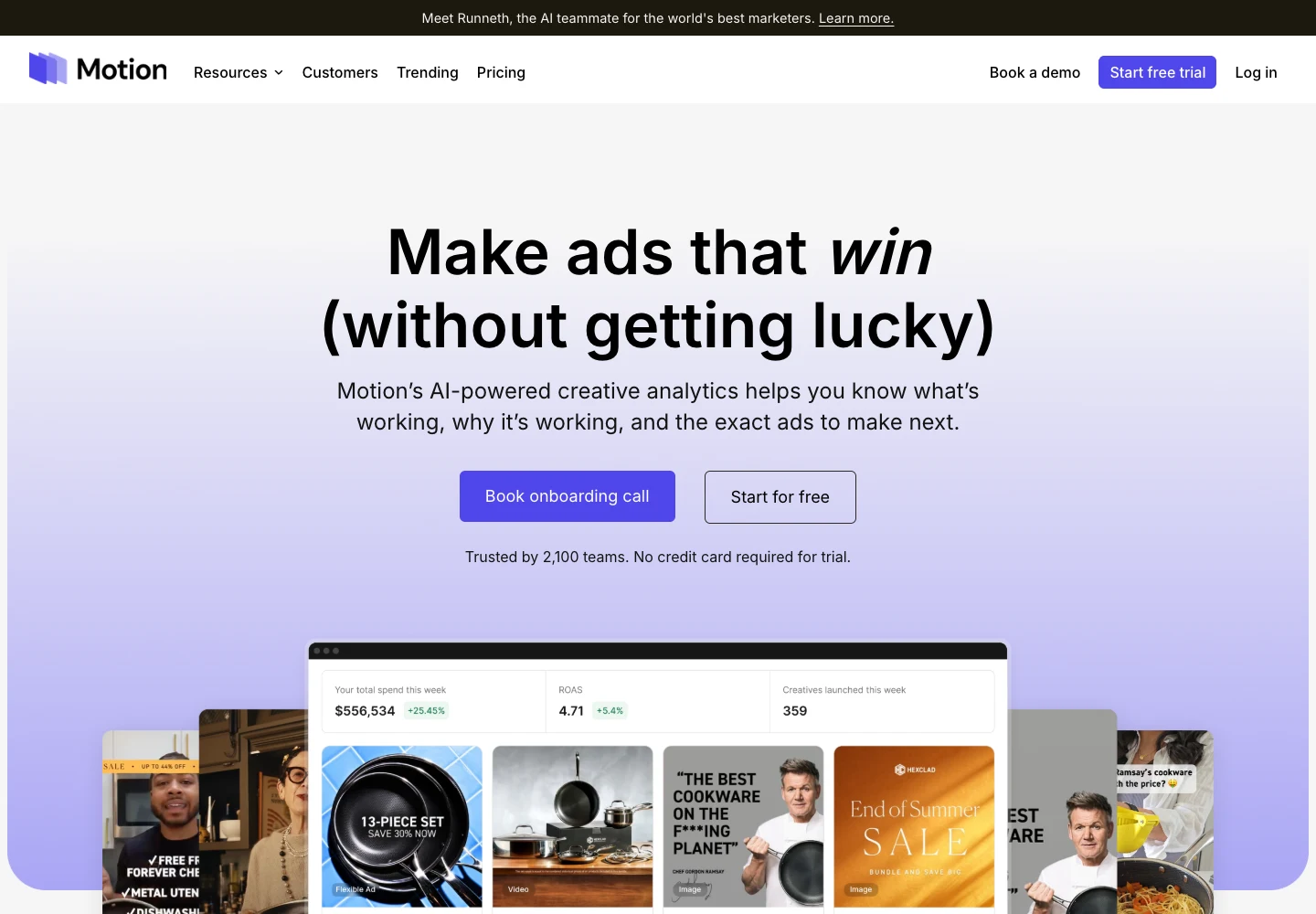
Motion is the tool most of this category gets measured against. It pulls your creative data from Meta, TikTok, YouTube, and LinkedIn into visual reports.
The big idea is simple. Instead of rows in Ads Manager, you see the actual ads side by side with their numbers. Then AI tags them by things like format and hook, so you can spot patterns across a whole account.
What I like:
- A weekly ad leaderboard so you can track declining ads and scale your winners
- AI tags that group creative by what's in it, not just by campaign name
- Unlimited seats and ad accounts on every plan
- Slack routines that ship daily and weekly reports
Limitations:
- It's expensive for small accounts. Starter is $750 a month.
- Pricing scales with ad spend. Starter covers up to $50k a month.
- It only shows your ads. There's inspiration and benchmarks, but it isn't a competitor research tool.
Pricing: Starter $750 a month (up to $50k monthly ad spend). Pro $1,200 a month for brands spending over $50k. Growth is custom for spend over $125k. There's a free trial, and the homepage says no card is needed.
Who should skip it: anyone spending a few thousand dollars a month on ads. You'll pay more for the tool than the insight is worth. Look at Superads instead.
2. Superads: best value creative reporting
Best for: small marketing teams and agencies that want creative reports across several platforms without Motion's price.
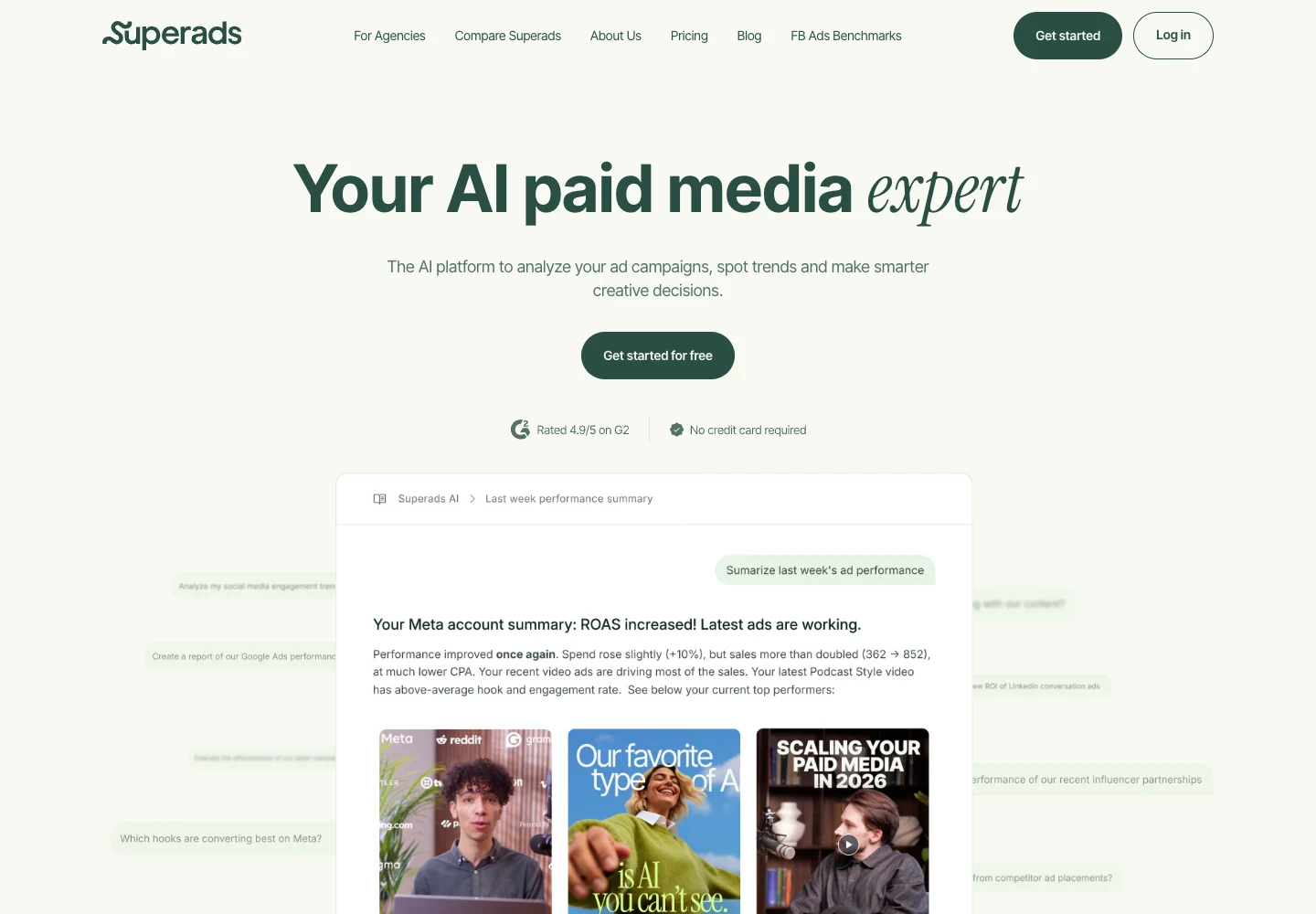
Superads does a lot of what Motion does at a lower entry price. You connect Meta, Google, TikTok, or LinkedIn, and it builds reports and boards around your creative. Its AI tags each ad by visual format, hook, product, angle, and more.
It also has an AI assistant that summarizes your account. You can ask it about last week's performance and get a plain-English answer.
What I like:
- Four ad platforms in one creative report
- AI tagging with no manual setup
- Monthly billing with no fixed contract
- A 14-day free trial, and no card required
Limitations:
- Price goes up with spend. The base plan covers up to $100k a month, then it's $100 more per extra $100k.
- Like Motion, it only analyzes your own ads.
Pricing: Professional is $150 a month on monthly billing, or $125 a month billed yearly ($1,500). Enterprise is custom for spend over $1M a month.
Who should skip it: teams that don't run ads yet. There's nothing for it to analyze.
3. Supermetrics: best for pulling ad data into your own reports
Best for: marketers and analysts who already live in Google Sheets, Looker Studio, Excel, or Power BI.
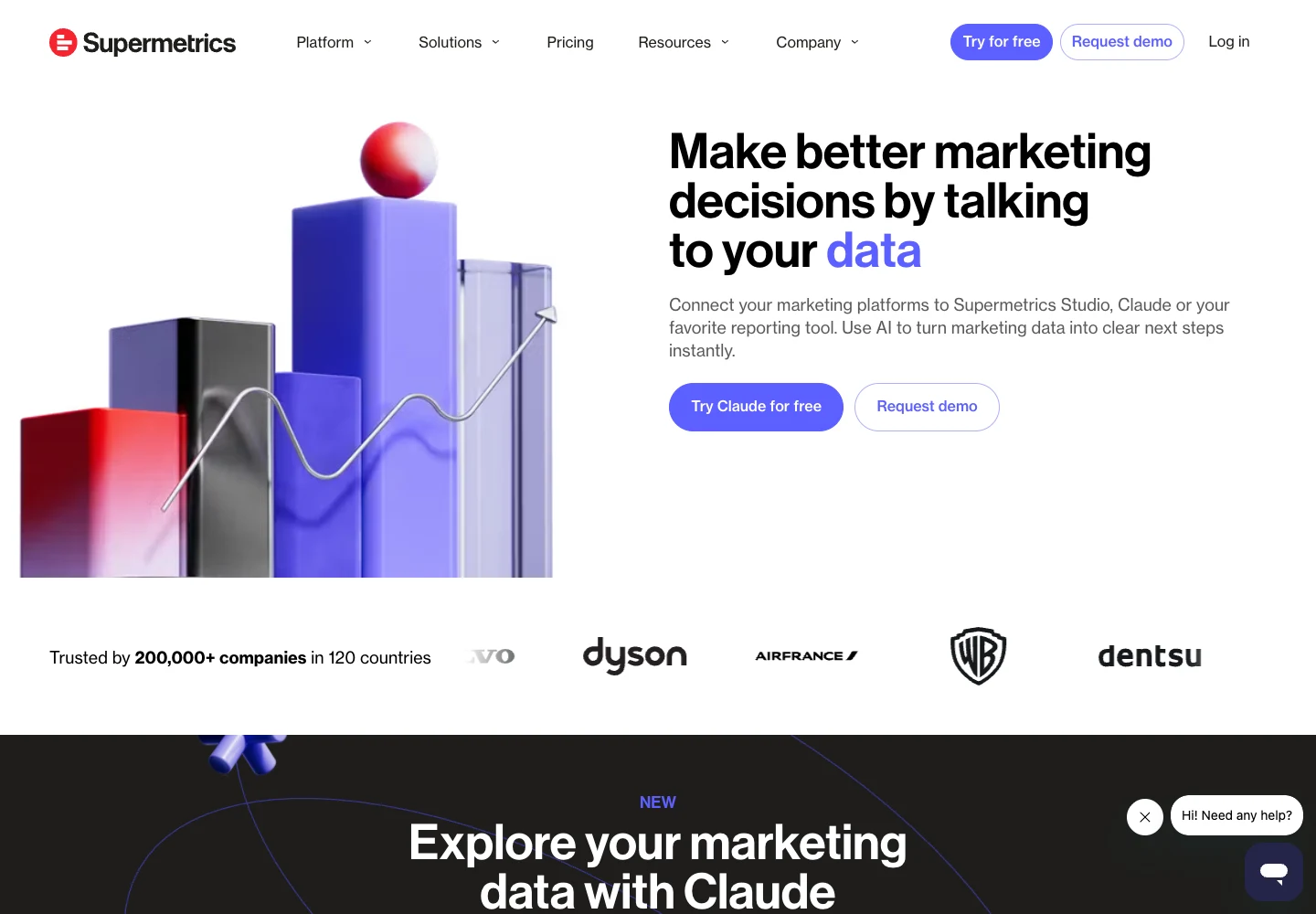
Supermetrics isn't a creative analytics tool in the Motion sense. It's a data pipe. It pulls your ad data out of platforms like Facebook Ads and into the tools where you build reports. It now pipes data into Claude, ChatGPT, and Copilot too, so you can ask questions about it.
If your problem is "I spend two hours every Monday copying numbers into a sheet," this fixes that. If your problem is "I don't know why this ad works," it won't.
What I like:
- Works with your current reporting tools
- Lots of data source connectors, beyond just ads
- A clear self-serve price and a 14-day free trial with no card
Limitations:
- No creative view. You see numbers, not thumbnails.
- Starter is tight: 2 data sources, 1 user, and 1 core destination.
- You still have to build the report yourself.
Pricing: Starter from $55 a month, or $44 a month billed yearly. Growth from $222 a month, or $177 yearly. Extra users and sources cost more.
Who should skip it: creative teams. You'll want to see the ads, not a spreadsheet.
4. Atria: best for analytics plus competitor research in one place
Best for: small brand and agency teams on Meta and TikTok who want both jobs covered by one tool.
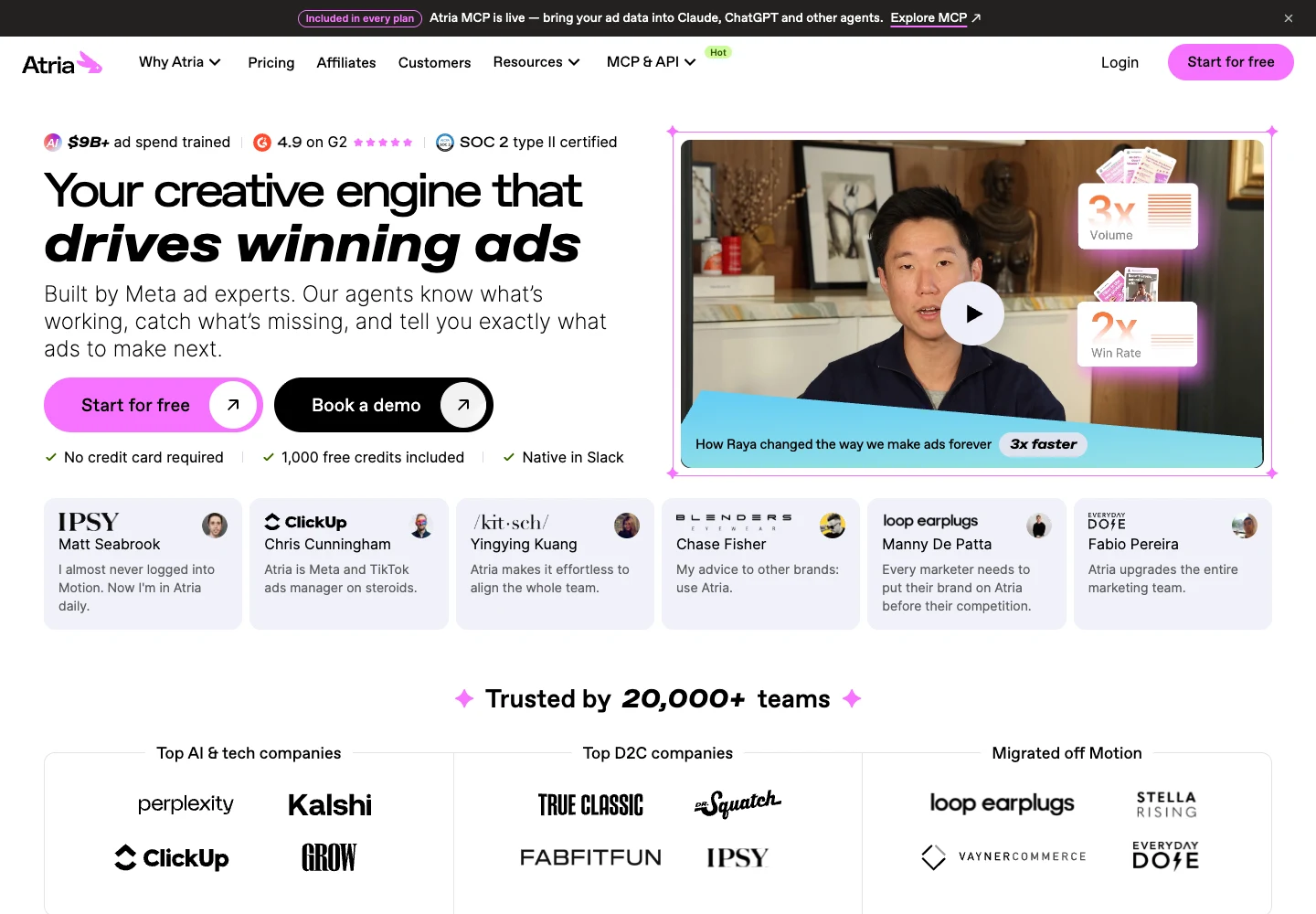
Atria is a rare tool that sits in both of these camps. On the one hand, you can connect your own accounts to get creative analytics. On the other, you can follow competitor brands in order to browse their ads, and then the tool uses AI to turn that into concepts, scripts and even ad copy.
What I like:
- Your ads and competitor ads in one place
- 5 seats on the entry plan
- AI tools for briefs, scripts, and review mining
Limitations:
- Meta and TikTok only
- Core caps you at 5 ad accounts and $500K of analyzed ad spend a month
- Core lets you follow 50 brands, but AI insights on followed brands start on Plus
- It doesn't show the funnel behind a competitor's ad
Pricing: Core $159 a month, or $129 a month billed yearly. Plus $599, or $479 yearly. Business $1,199, or $959 yearly. Extra seats are $20 each. You can start free.
Who should skip it: Google or LinkedIn advertisers. It doesn't cover those.
5. Foreplay: best for creative teams who research and brief
Best for: creative strategists and agencies that save a lot of ads and turn them into briefs.
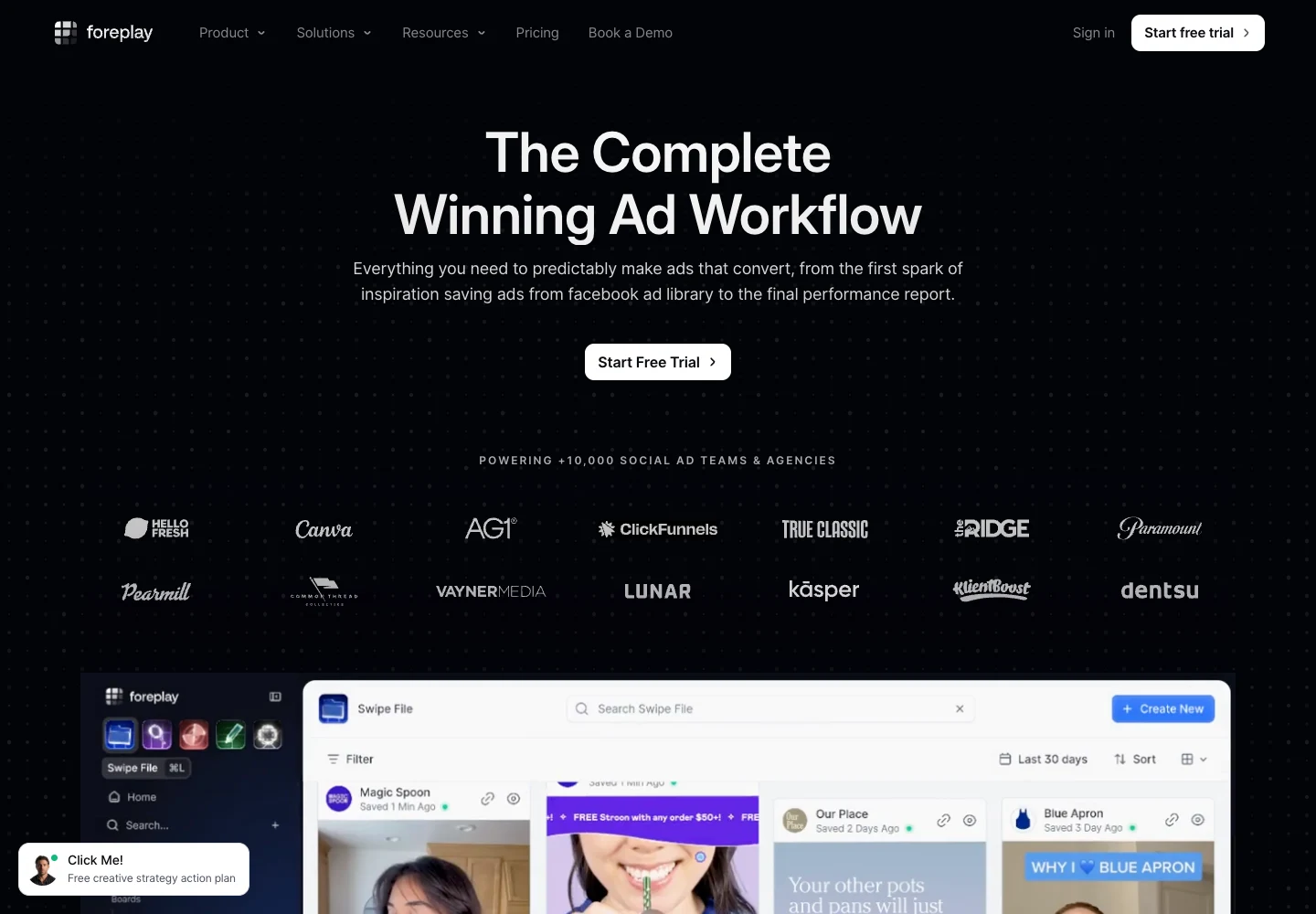
Foreplay started as a swipe file. You save ads from anywhere with a Chrome extension, then organize them into boards and briefs. It now has an ad search engine (Discovery), competitor tracking (Spyder), and creative analytics for your own ads (Lens).
Here's the catch. The analysis parts aren't on the cheapest plan. Basic is a swipe file. Spyder and Lens start on Workflow.
What I like:
- The save and brief flow is smooth
- Lens connects your Meta and TikTok accounts for creative reports
- Workflow includes 5 users, which is fair for small teams
Limitations:
- Basic doesn't include competitor tracking or creative analytics
- Lens covers 1 brand on Workflow. More brands cost extra.
- It doesn't map a competitor's full offer and funnel
Pricing: Basic $59 a month or $49 yearly (1 user). Workflow $175 or $149 yearly (5 users). Agency $459 or $389 yearly (10 users). Extra users are $20 each. 7-day free trial.
Who should skip it: solo marketers who only want to search a big ad archive. You'd be paying for team features.
These are competitor ad analysis tools. They don't touch your ad account. They collect public ads so you can see what others run, how long they run it, and where the click goes.
6. AdSpy: best deep Meta ad search
Best for: affiliates and Meta media buyers who search ads every day.
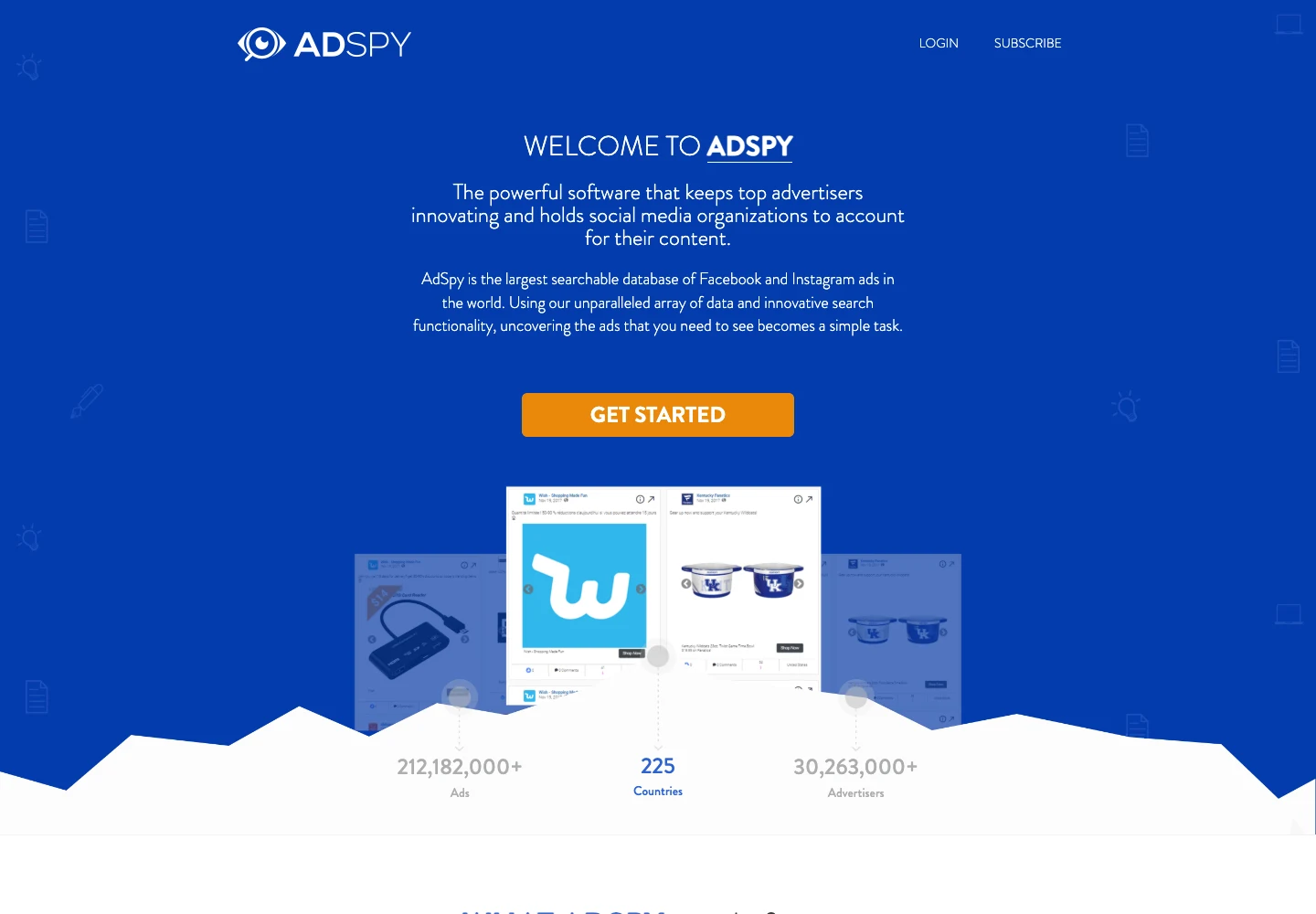
AdSpy is the big Facebook and Instagram archive. Its homepage counter showed over 212 million ads on October 7, 2026. You can search by ad text, URL, page name, and even the comments under an ad.
Its affiliate filters stand out. You can search by affiliate network, affiliate ID, and offer ID. Not many tools do that.
What I like:
- A huge Meta archive with long history
- Comment search
- Affiliate and landing page tech filters
- One flat price, no credits
Limitations:
- Facebook and Instagram only
- No free trial. You get a 24-hour refund window instead.
- No team plan. Logins are personal per its terms
Pricing: $149 a month. One plan.
Who should skip it: anyone who needs TikTok or Google, or who'll only search a few times a month.
7. BigSpy: best for browsing lots of ad networks
Best for: marketers still figuring out which channel to focus on.
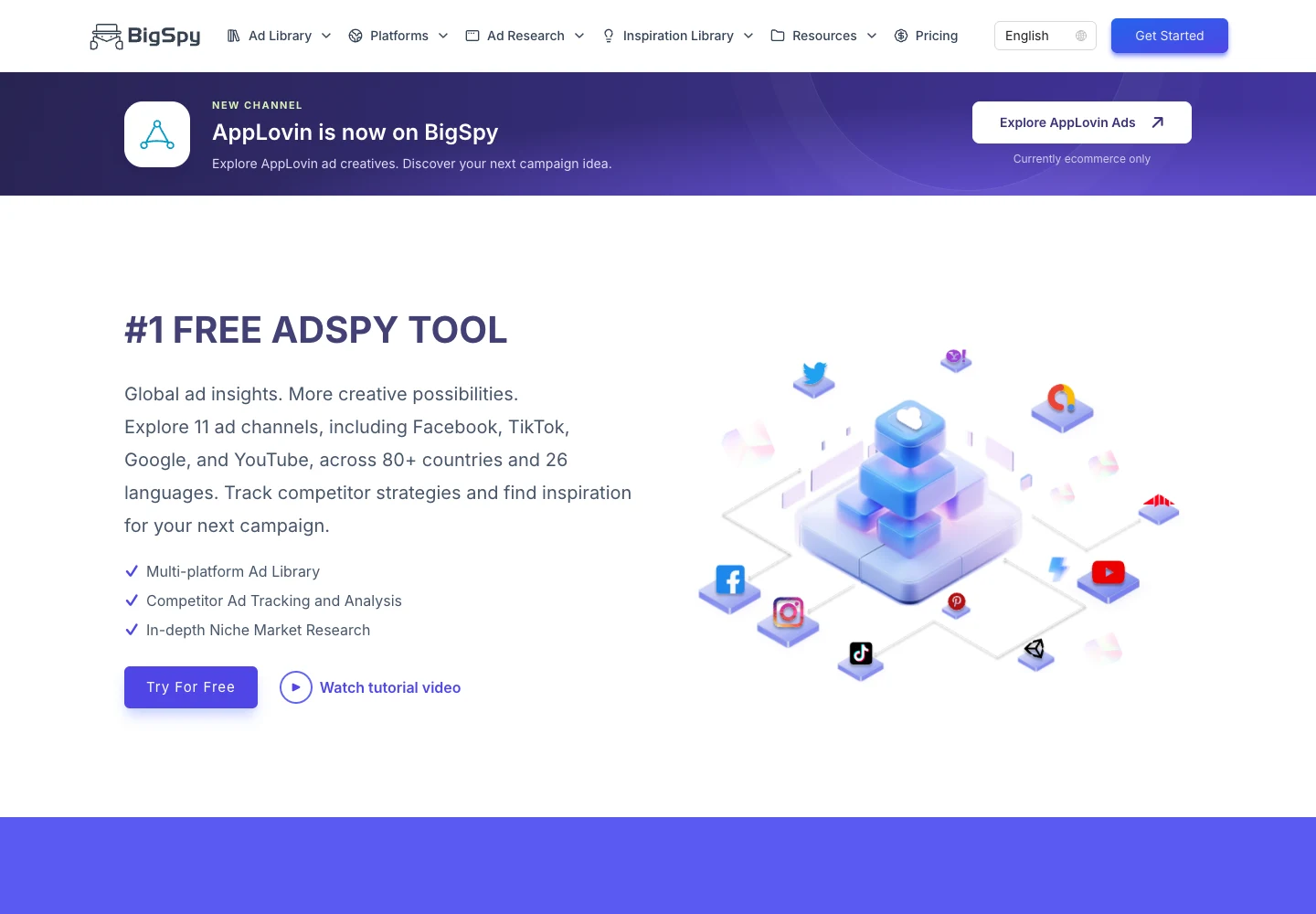
BigSpy covers a wide spread of networks, including Facebook, Instagram, TikTok, Google, and YouTube, depending on the plan. It's a good place to look around before you commit to a specialist tool.
What I like:
- Free plan: 5 searches / 20 downloads per day
- Lots of networks in one place
- Clear tiered pricing
Limitations:
- Higher tiers unlock the extra analysis, like creative charts, page analysis, and TikTok analysis
- Depth on a single network is less than a specialist
- Refunds are limited (only for system bugs within 24 hours, per its policy)
Pricing: Free, Starter $69 a month, Growth $159, Ultimate $499.
Who should skip it: people who already know their main channel. A focused tool will go deeper.
8. SpyFu: best for Google search ad competitor analysis
Best for: anyone running Google Search ads who wants to see rival keywords and ad copy.
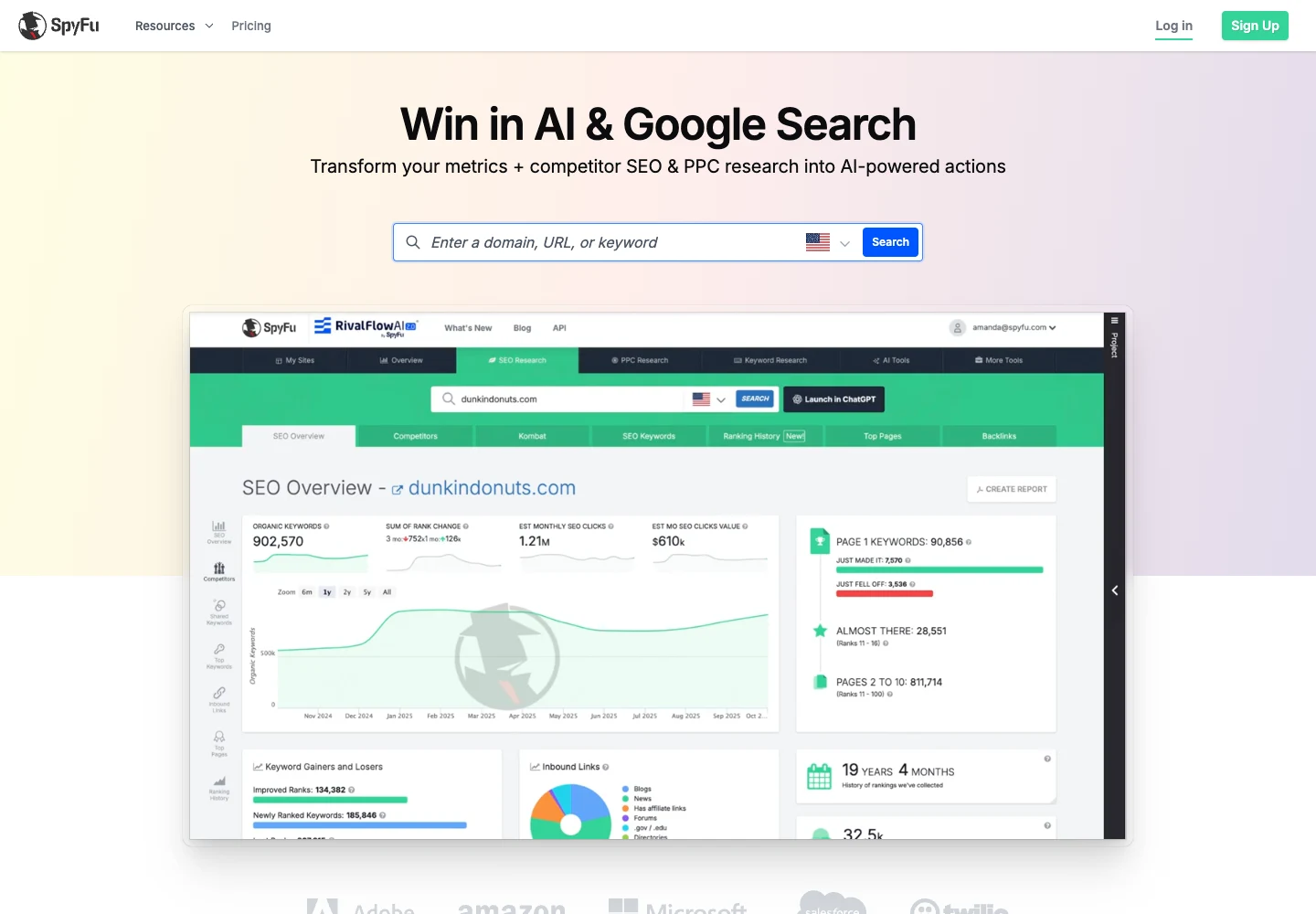
Most tools on this list are about social ads. SpyFu is about Google. Type in a competitor's domain and you'll see the keywords they bid on and the ads they've run. It says it has more than 10 years of historical data.
What I like:
- Competitor keywords and ad copy history for Google Ads
- Long history, so you can see what a rival kept running
- A 30-day money-back guarantee
Limitations:
- No Meta, TikTok, or social ads
- Basic caps results and exports at 10k rows
- The Pro + AI first-month price jumps after month one
Pricing: Basic $39 a month, or $29 a month billed yearly. Pro + AI is $59 for the first month, then $119 a month (or $89 yearly). Team $249 a month, or $187 yearly, with 5 users.
Who should skip it: anyone who only runs social ads.
9. Spellbind: best for seeing the full campaign behind an ad
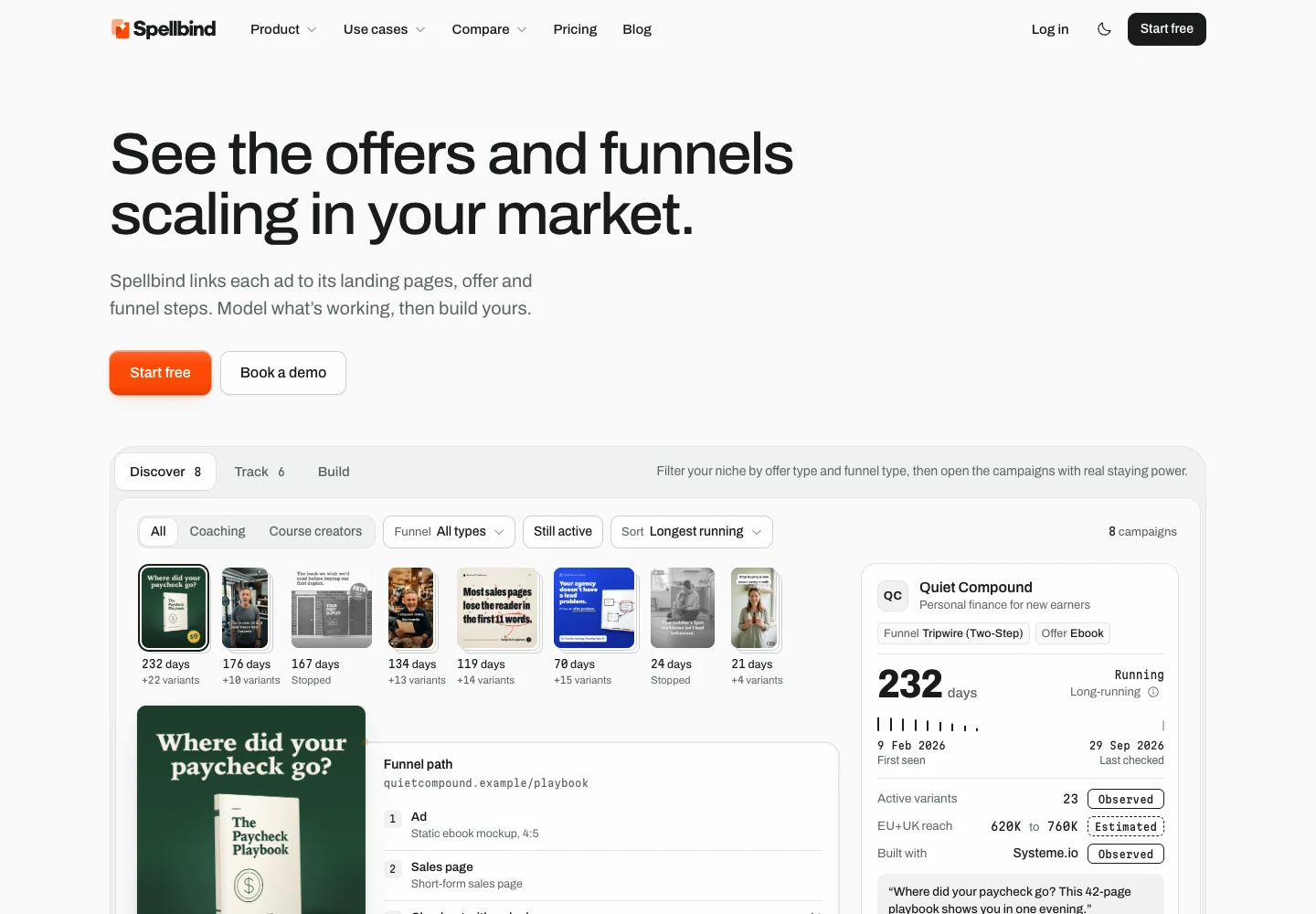
Spellbind homepage. Its product demonstration uses fictional example data.
Best for: coaches, course creators, consultants, and the boutique agencies that run their ads.
Spellbind (formerly Exemplar, and FunnelFinder before that) is campaign intelligence, not creative analytics. It won't read your ad account. What it does is link a competitor's Meta ads to their landing pages, offer, and funnel steps in one record.
Here is an overview of how it works: 1) Discover campaigns by niche, offer and funnel type. 2) Track brands with BrandTrack to see what has launched and stopped. 3) Build from a campaign of your choice in Creative Studio (Beta).
What I like:
- The ad, the pages, the offer, and the funnel in one view
- Each data point is explicitly labeled as 'observed' or 'inferred', no guessing at ROAS
- Niches built for expert-led offers, like coaching and courses
Limitations:
- Facebook and Instagram only for now
- A narrower database than a general archive like AdSpy
- Creative Studio and the Chrome extension are still in Beta
- It doesn't analyze your own ad performance. Pair it with a Part 1 tool if you need that.
Pricing: there's a free plan to check your niche. See the site for paid plans.
Who should skip it: ecommerce brands, TikTok-first buyers, and affiliates. AdSpy or BigSpy fit those better.
10. Meta Ad Library: best free baseline
Best for: everyone, as a first stop.
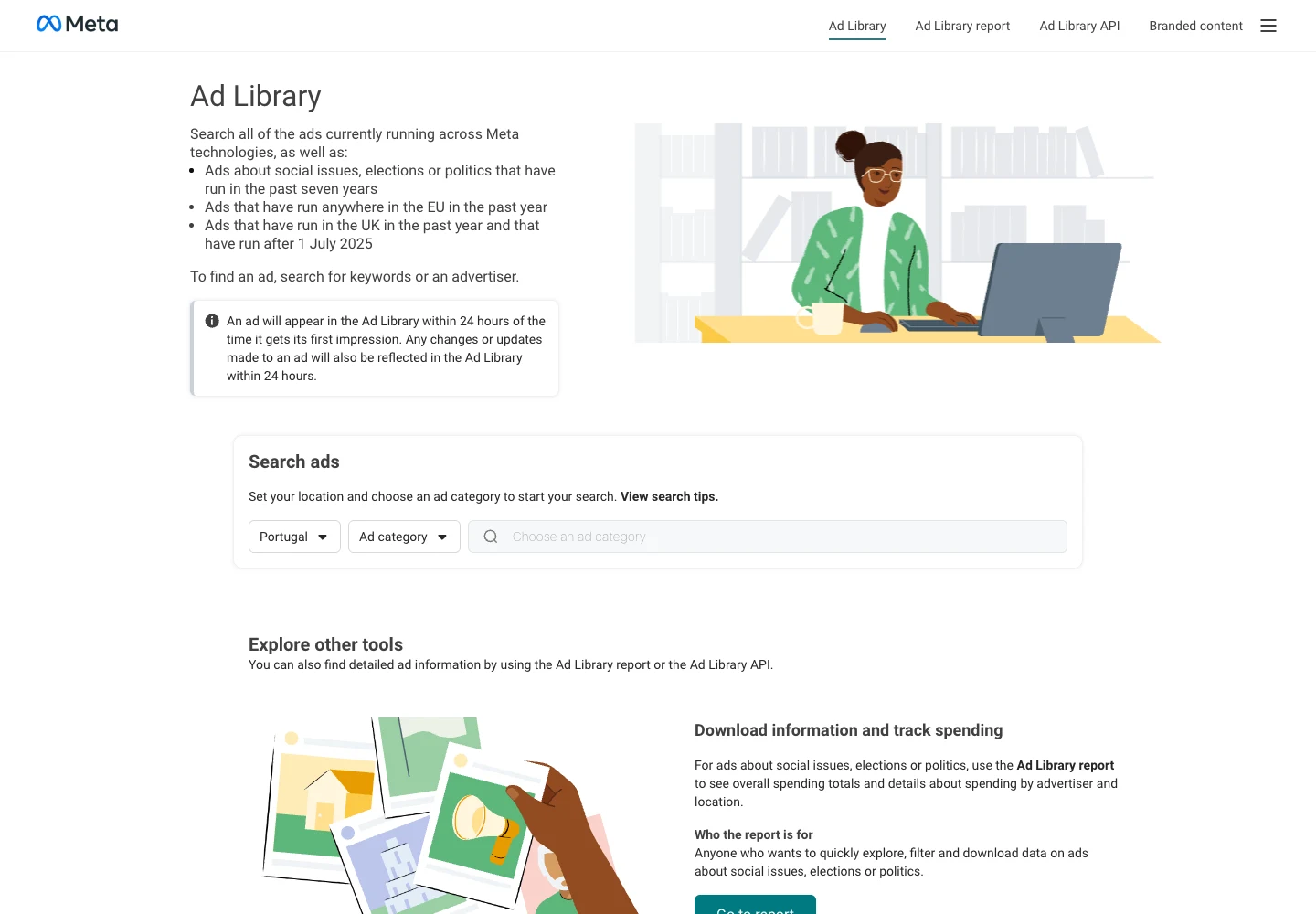
The Meta Ad Library is Meta's own free tool. It shows all ads currently running across Meta's apps. You can search by keyword or advertiser and filter by country.
It also keeps ads about social issues and politics for seven years. EU ads stay for a year, and so do UK ads that ran after July 1, 2025.
What I like:
- Free and official
- New ads show up within 24 hours of their first impression
- You can see when an ad started running
Limitations:
- Mostly active ads only, outside the EU and UK
- No saving, tagging, or alerts
- Nothing about the landing page or funnel
Two free equivalents for these platforms are the TikTok Creative Center and the Google Ads Transparency Center. Bookmark them.
Who should skip it: nobody. But if you research every week, you'll outgrow it fast.
Here's how the paid tools stack up on price. All numbers are from vendor sites on October 7, 2026.
| Tool | Entry monthly | Entry yearly (per month) | What the price scales on | Trial |
|---|---|---|---|---|
| Motion | $750 | Not listed | Monthly ad spend | Free trial |
| Superads | $150 | $125 | Monthly ad spend | 14 days |
| Supermetrics | $55 | $44 | Sources, users, destinations | 14 days |
| Atria | $159 | $129 | Seats, ad accounts, ad spend | Start free |
| Foreplay | $59 | $49 | Plan and users | 7 days |
| AdSpy | $149 | Not listed | Flat, one plan | 24-hour refund |
| BigSpy | $69 | Not listed | Plan tier | Free plan |
| SpyFu | $39 | $29 | Plan tier and users | 30-day money back |
| Spellbind | See site | See site | Plan | Free plan |
A pattern jumps out. Tools that analyze your own ads charge by how much you spend on ads. Tools that analyze competitors charge by plan or seat. So if your ad budget is small, competitor research is the cheaper place to start.
Find your situation, then start there.
| If you are... | Start with | Why |
|---|---|---|
| A brand spending $50k+ a month on paid social | Motion | Deep creative analytics, unlimited seats |
| A small team that wants creative reports | Superads | Lower entry price, four platforms |
| Someone who builds reports in Sheets or Looker Studio | Supermetrics | Pipes ad data where you already work |
| A small team that wants both jobs in one tool | Atria | Your ads plus competitor brands |
| A creative team that briefs a lot | Foreplay Workflow | Swipe file, Spyder, and Lens together |
| An affiliate on Meta | AdSpy | Offer ID and affiliate filters |
| Unsure which channel to focus on | BigSpy | Many networks, free plan to start |
| Running Google Search ads | SpyFu | Competitor keywords and ad history |
| A coach, consultant, or agency serving them | Spellbind | Ad, page, offer, and funnel together |
| On a zero budget | Meta Ad Library | Free and official |
Plenty of teams pair one tool from each part. A common stack is one creative analytics tool for your account plus one research tool for the market.
The tool is less important than the process. Here is what I would do.
Step 1: Write down the question
"Why did CPA jump last week?" is a Part 1 question. "What offers are working for business coaches right now?" is a Part 2 question. Know which one you're asking before you log in.
Step 2: Pull the right data
For your own ads, look at a full week or more, not one day. For competitor ads, filter by your niche, your country, and run time.
Step 3: Group by pattern, not by ad
Tag ads by hook, format, offer, and proof. One great ad is luck. Five ads with the same hook is a pattern.
Here's a simple tagging list to start with:
- Hook: the first line or first three seconds
- Format: UGC video, static, carousel, talking head
- Offer: free trial, discount, webinar, call, lead magnet
- Proof: testimonials, numbers, before and after
Step 4: Follow the click
This is the step most people skip. Click through to the landing page. A webinar funnel and a direct sales page need very different ads. If you only study the ad, you miss half the reason it works.
Step 5: Turn it into tests
Pick two or three ideas and test them against what you already run. Don't copy a competitor's ad word for word. Take the pattern and rewrite it for your offer and your audience.
It's worth being clear about the limits, because some sites oversell this.
- No tool can see a competitor's real ROAS or spend. Meta shows spend ranges only for political and issue ads. Anything else is an estimate.
- Run time is a hint, not proof. An ad that's run for months probably isn't losing money. But you can't be sure.
- Your own data can mislead you. Attribution is messy. That's why Motion and Atria plug into tools like Northbeam and GA4 on higher plans.
- AI tags aren't magic. They're a fast first pass. You still need a human to decide what to test next.
What is an ad analysis tool?
An ad analysis tool helps you understand why ads perform the way they do. Some analyze your own ads using your ad account data. Others analyze competitor ads using public ad libraries. Many buyers need one of each.
What are the best ad analysis tools in 2026?
For your own ads, Motion is the category leader and Superads is the value pick. For competitor ads, AdSpy is the deep Meta archive and SpyFu covers Google. Atria and Foreplay do some of both. The free Meta Ad Library is the baseline.
What's the difference between ad analytics and creative analytics?
Ad analytics looks at campaign numbers like spend, clicks, and conversions. Creative analytics goes one level deeper. It ties those numbers to the creative itself, like the hook, format, or visual. Motion and Superads are creative analytics tools.
What is competitor ad analysis?
Competitor ad analysis means studying the ads other brands run in your market. You look at their hooks, offers, formats, how long they run, and where the click goes. Tools like AdSpy, BigSpy, SpyFu, and the Meta Ad Library help.
Are there free ad analysis tools?
Yes. The Meta Ad Library, TikTok Creative Center, and Google Ads Transparency Center are free. BigSpy has a free plan with daily limits. Meta Ads Manager and Google Ads also have built-in reporting for your own ads.
How much do ad analysis tools cost?
Competitor research tools run from free to about $149 a month to start. Creative analytics tools usually start higher, from $150 to $750 a month, and go up with your ad spend. Yearly billing often saves around 15 to 25 percent.
Can an ad analysis tool show me a competitor's ROAS?
No. No outside tool can see another brand's real ROAS or spend. Competitor tools show public signals, like how long an ad has run and how many versions exist. Treat those as hints, not facts.
Do I need an ad analysis tool if I use Ads Manager?
Not always. If you run a handful of ads, Ads Manager may be enough. Creative analytics tools help when you have many ads across platforms and want to compare creative, not just campaigns.
Which ad analysis tool is best for agencies?
It depends on the job. Motion and Superads suit agencies reporting on client creative. Foreplay Agency suits creative teams across many brands. For agencies serving coaches and consultants, Spellbind shows each competitor's full campaign.
Is Spellbind a creative analytics tool like Motion?
No. Spellbind doesn't read your ad account. It's competitor campaign research for coaches, consultants, course creators, and agencies. It shows the ad, landing pages, offer, and funnel together. If you want to analyze your own ads, pair it with a tool like Motion or Superads.
Are competitor ad analysis tools legal?
Generally, yes. They collect ads that are already public and don't access anyone's private account. Copying someone's creative or trademarks is a separate issue. Use what you find for research, then make your own. This isn't legal advice.
Pick the job before you pick the tool. If you already spend and want to know what's working, start with creative analytics: Motion if you spend big, Superads if you don't, Supermetrics if you live in spreadsheets. If you want to know what's working for everyone else, start with the free Meta Ad Library, then move to AdSpy, BigSpy, or SpyFu for your channel.
If you sell coaching, courses, or consulting, the ad is only the front door. The landing page, the offer, and the funnel are where the real lessons are. You can start free at spellbind.co and see if your niche is covered.